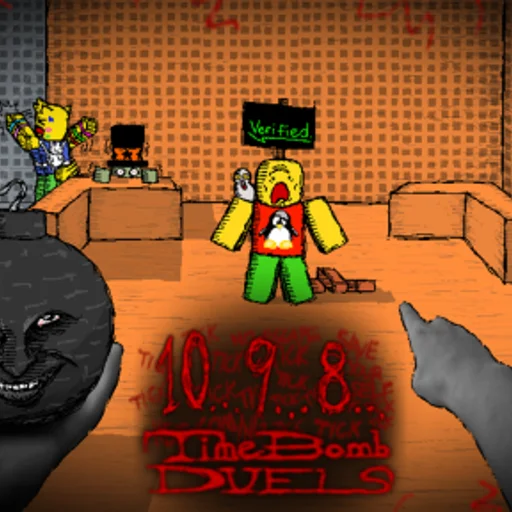
Timebomb Duels Controls
Controls Overview
Timebomb Duels uses standard Roblox movement with no custom weapon bindings during Alpha. Your success depends on how well you move, not complex key combos. Understanding PC versus mobile limitations and enabling shift lock separates beginners from competitive players.
This hub covers PC controls, mobile touch controls, shift lock configuration, and performance settings that affect hit registration and ping display. Movement techniques like juking and wall hops layer on top of these base controls.
Core Movement Inputs
On PC: WASD moves your character. Space jumps. Shift toggles shift lock when enabled in Roblox settings. Mouse controls camera direction. Tagging the bomb to another player requires physical contact — run into opponents while holding the bomb.
There are no attack buttons or ability keys in Alpha. Every interaction is movement and positioning. Practice in Free-for-All to build muscle memory before ranked-style modes.
Why Controls Matter More Here
Unlike RPG Roblox games, Timebomb Duels has no stat upgrades during Alpha. Controls and camera settings are your only mechanical edge besides ping. Shift lock alone can double your survival rate against average lobbies.
Explore Control Subpages
Read PC Controls for keyboard specifics, Mobile Controls for touch limitations, Shift Lock for mandatory competitive setup, and Performance Settings for ping stats and FPS tuning that affect wall hops and hitboxes.